Building Local-First Developer Tools in Python & Electron: Lessons from Docs for Me & DemoShield
How I built a terminal-to-desktop Git change workspace with local Ollama AI and an offline video privacy scanner using FFprobe, OpenCV, and PaddleOCR.
Why I Build Local-First Tools
When you're working on client repositories—like enterprise payroll engines or clinic ERPs—pasting raw Git diffs or uploading unredacted screen recordings to third-party cloud APIs is often a non-starter.
That led me to build two local desktop tools: Docs for Me (a Python CLI and Electron + React workspace that turns Git changes into programmer-friendly guides and commit messages) and DemoShield (a CapCut-inspired local video inspector that locates exposed secrets before you share a recording).
1. Evolving `docs-for-me` from V1 Terminal CLI to Local AI Workspace
docs-for-me wasn't originally meant to have a graphical interface—V1 was a pure Python CLI tool you could run inside any project terminal.
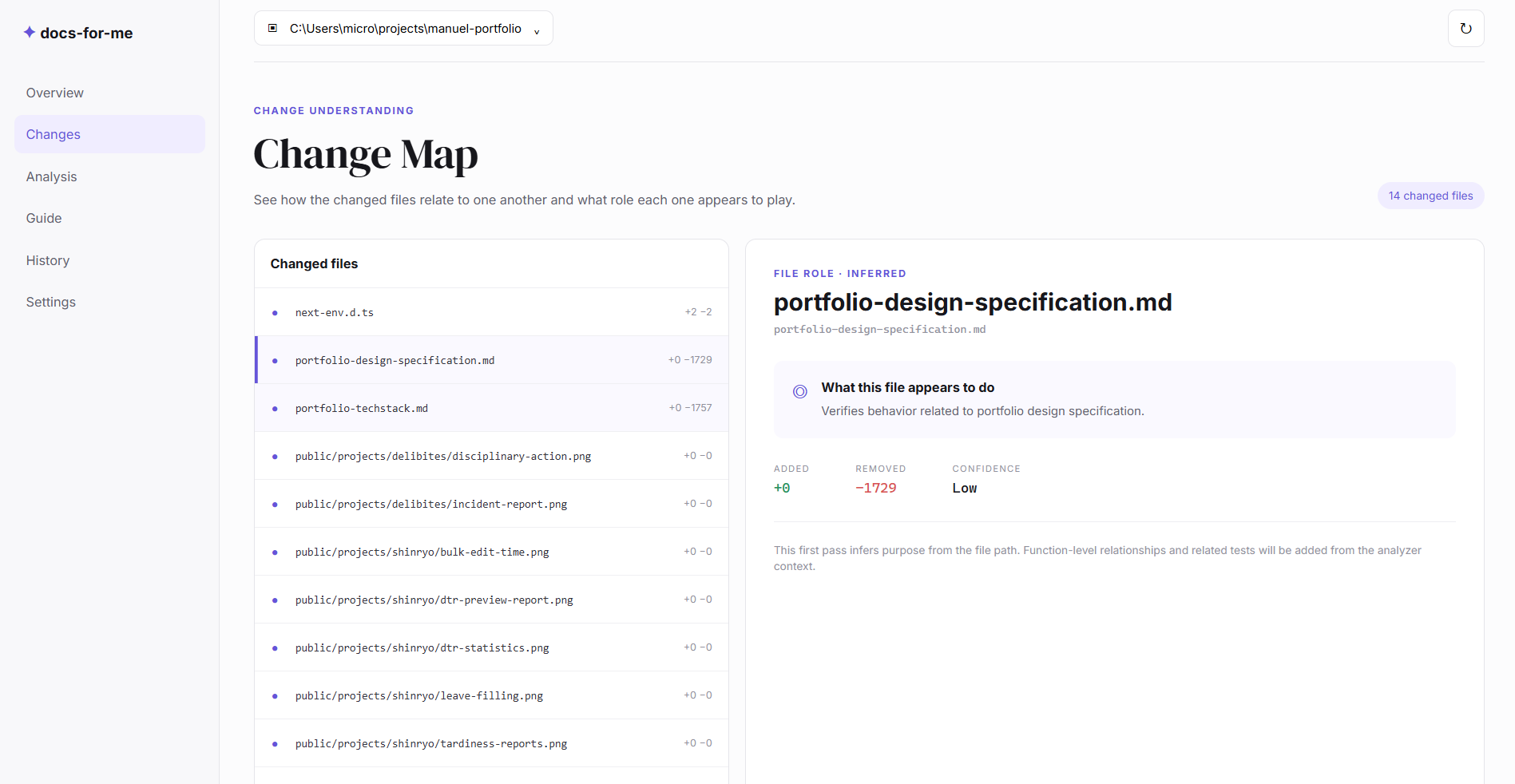
As I used it daily, I wanted a clearer Change Map that answers: - What does each modified file actually do? - How many lines were added or removed? - How confident is the system in its findings?
By pairing the static Git diff parser with local Ollama AI, docs-for-me enhances its findings and generates ready-to-copy Markdown summaries and commit messages right on your machine.
2. Offline Video Inspection in `DemoShield`
Every developer knows the stress of recording a quick demo and realizing an API key or Bearer token flashed on screen.
In DemoShield, I built an offline inspection pipeline: - FFprobe reads video metadata and timeline structure. - OpenCV extracts and compares frames on visual change so we don't waste cycles scanning identical frames. - PaddleOCR scans text directly from the screen to map sensitive patterns onto the Findings Display with exact exposure timestamps.
Docs for Me
Python CLI & Electron + React workspace that creates programmer-friendly guides for files, folders, and Git changes.